![Facit logo 2023 no space.png]](https://knowledgebase.facit.ai/hs-fs/hubfs/Facit%20logo%202023%20no%20space.png?height=40&name=Facit%20logo%202023%20no%20space.png)
Mask Settings for Manual Blur
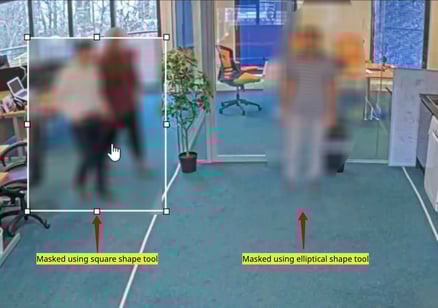
Using custom square and elliptical tools will allow variations in masking the person(s) of interest.
-
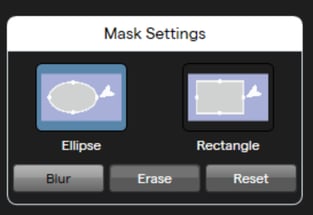
On the adjust screen, access Mask Settings on the right hand panel. Choose Ellipse or Rectangle shape and adjust the shape mask for the person of interest.
-
You can blur, clear or reset the mask as required.
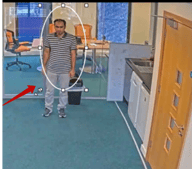
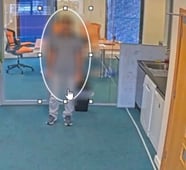
3. Choose the ellipse or square tool and draw a mask around the person of interest.
 .
. 
4. You can use an elliptical and square tool simultaneously to mask persons of interest.